

Home Lab
To support my home automation endeavours as well as a general lab for learning, I run a modest home lab in a server rack in the garage, mostly consisting of old desktop machines that have been repurposed as hypervisors.
The basic stack is a core network of Unifi equipment, and three hypervisor machines running Proxmox in a cluster. There's also a (now getting on in age) Synology NAS for storage and an APC UPS for power backup and safe shutdown in the case of a power outage.
The core network
There are two network stacks, one fully Unifi Network based, which is the general, default network including all client devices, and a separate Ubiquiti EdgeSwitch 24 Lite switch which is dedicated to a storage network. Each host has two physical NICs, one for storage and cluster traffic, the other for general VM traffic. The Synology NAS has 4x1Gb links bonded together connected to the EdgeMax switch.
Storage
Storage is primarily contained in a Synology RackStation RS2416+ 12 bay NAS. This currently contains a single, RAID6 array for bulk storage that is shared between all nodes in the Proxmox cluster.
There is a second virtualized TrueNAS machine providing spill over storage until such a time as I can either expand it into a full machine, or replace all of the drives in the Synology.
The Synology also provides UPS management services (via NUT) to the other machines, as the UPS has a single USB connection so needs to be attached to something fairly central.
Compute
Compute is handled by a small Proxmox cluster (3 machines, each with a pair of NICs, a pair of SSDs for boot and data and as much memory as I could dig out of boxes).
The focus here is on reducing a single point of failure, I should be able to take a machine down for maintenance/repair without impacting services on the network that my family rely on.
Software
Equally (or maybe even more) importantly is the software stack holding all of this together.
As mentioned above, Proxmox is the virtualization platform of choice with everything on the network being VM based (primarily Debian or Ubuntu).
DNS is handled by the DreamMachine Pro as a first step, since DNS is critical in a cold start scenario, e.g. after a power cut. The core of the network will boot automatically and be enough to provide basic internet access until the rest of the network can be brought back online.
Within the rest of the network, I am using Consul for service discovery and self configuration. This allows me to run redundant services across hosts, and Consul itself runs across all VM hosts for quorum. This has proven to be very useful in cases of hardware failure, etc. It also allows me to dynamically provision proxy services, TLS and top level DNS without ever worrying about DHCP or IP configurations.
Articles
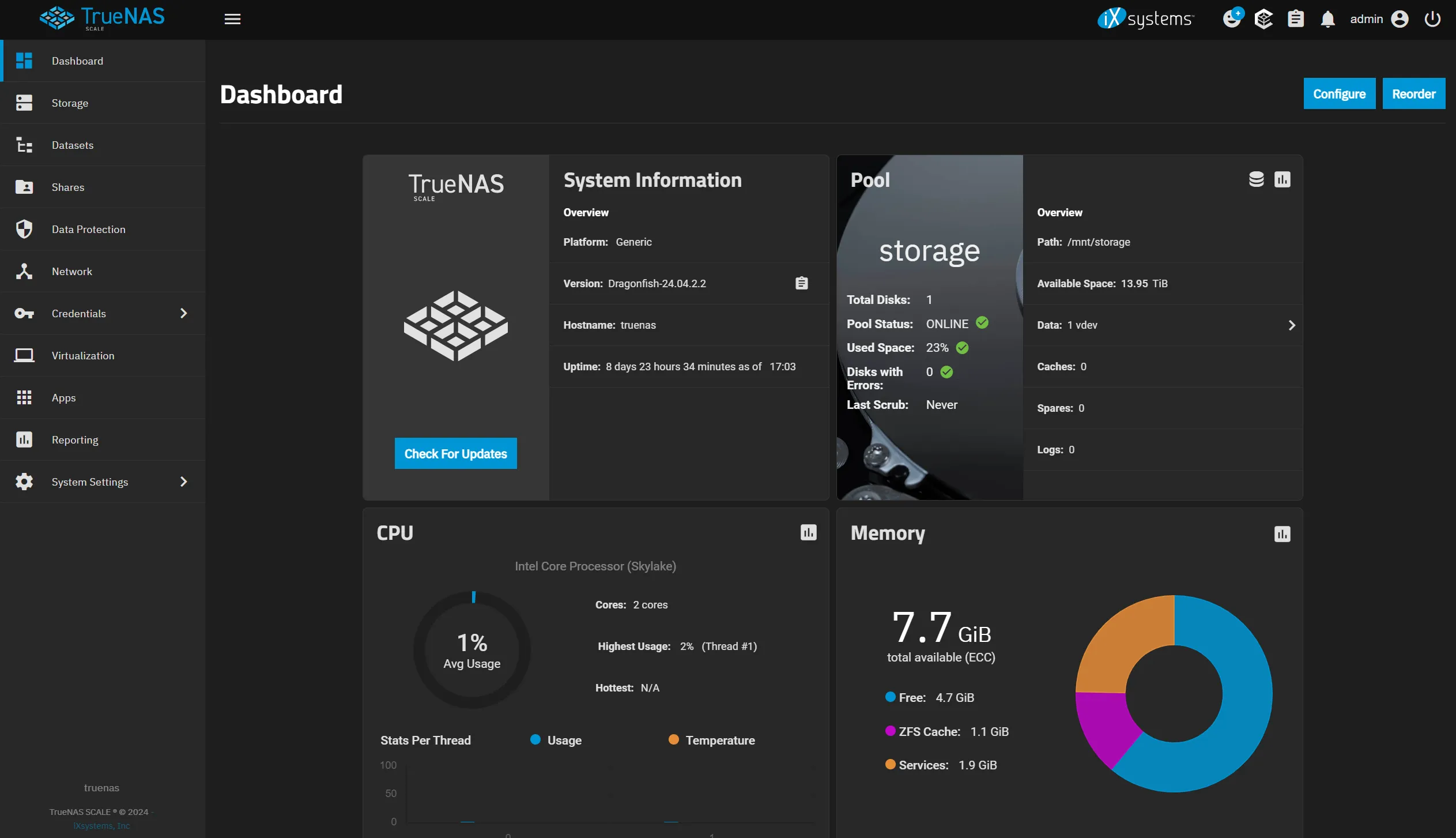
Virtualizing a NAS: PCIe Storage Passthrough
My NAS is full and I have need to add more storage without breaking the bank, and utilizing some of the hardware I already own. In this post I show how I got PCIe passthrough working on Proxmox, allowing me to pass a controller through to a TrueNAS VM, giving direct control of the disks to the VM.
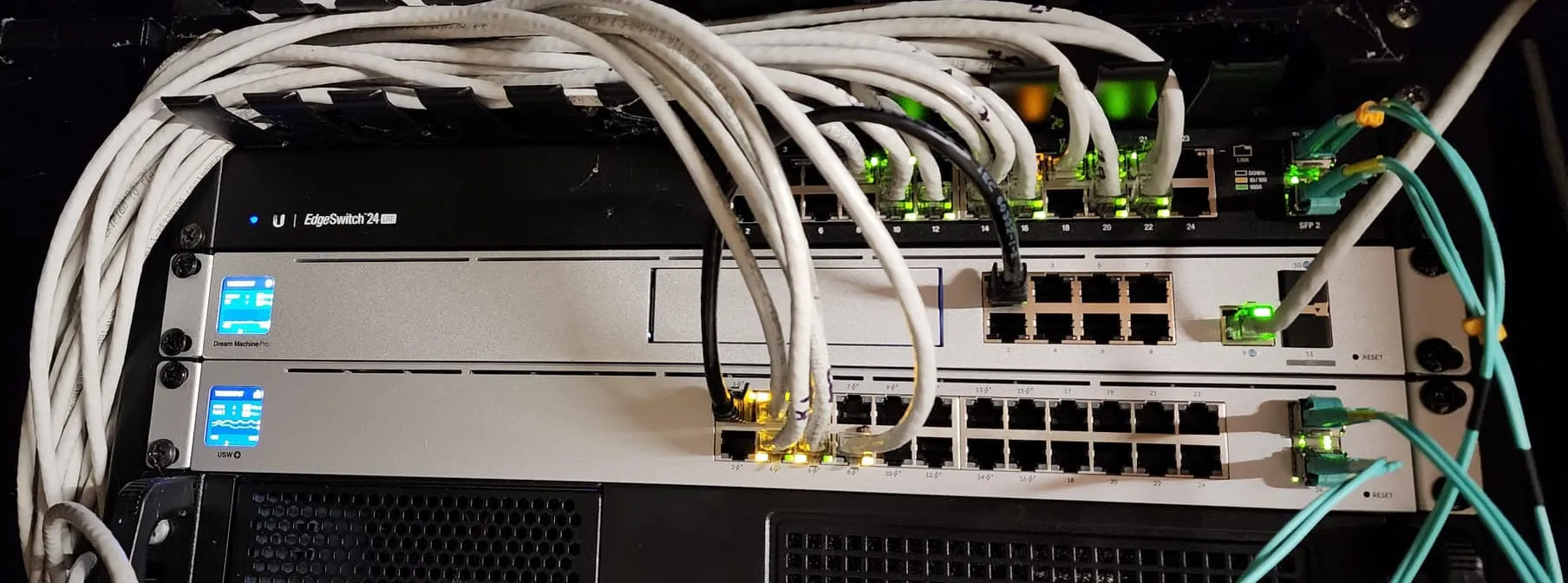
Working SSL certificates on Unifi Dream Machines with LetsEncrypt
I recently took the plunge and upgraded my trusty Ubiquiti EdgeRouter 12 to a new Unifi DreamMachine Pro and I have been happy with the upgrade. One of the things that didn't work out of the box was SSL when connecting directly, this is how I fixed that.