
Allan
Ramsay
Cloud engineering, home automation & photography enthusiast based in New Zealand
Self Configuring Web Proxy With TLS
One of the key parts of my (or I would argue, any) home lab is the web proxy. It is usually the literal entry point of the lab, and for mine I had a list of requirements:
- Self configuring: adding a new service shouldn’t require config file changes and restarts, likewise removed services shouldn’t leave old configuration around.
- Real TLS: TLS is no longer optional, browsers (rightly) pop up big scary warnings when accessing plain HTTP. We would never deploy a service on the internet without TLS so why should a home lab any different.
- Segmentation: some services I do want to share out to the internet, but many should only be available internally.
- Authentication: not everything has good authentication, and adding it at the proxy level is a powerful option.
- Hot reloads: I don’t want a restart with connection drops whenever a service changes, and along with that container friendly is a must.
I have tried a number of options, including Apache, NginX, HAProxy, Envoy, Caddy and Traefik, with Traefik being the product I think fits best into my home lab.
Traefik Network Setup
Traefik sits in the nice middle ground between classic config file setup like HAProxy and the cluster native xDS protocols that more specialized options like Envoy rely on. The core static configuration is in YAML files, with dynamic configuration being provided by way of various plugins.
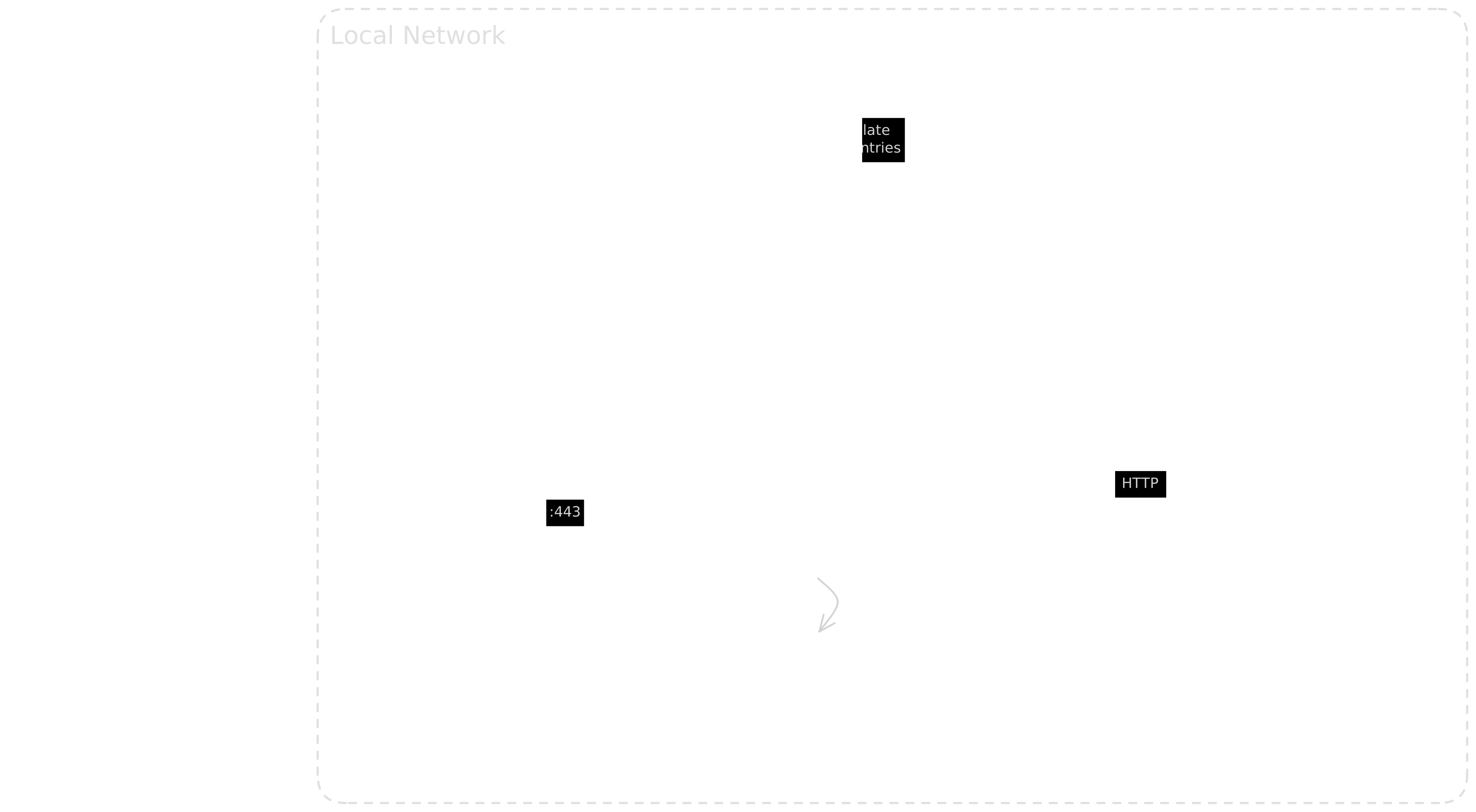
Here is a diagram of how the whole setup connects together, with web proxy, DNS and service discovery all working together. I’ll explain how each part works throughout the rest of this article.
The static configuration
This is where the core shape of this proxy takes place, where it listens from and on what protocol, the official documentation now refers to this as install (startup) configuration.
There are lots of configuration options available, and the documentation does a great job of explaining them, so I’ll just go over the core features of my setup, starting with entry points:
entryPoints:
  http:
    address: ":80"
    http:
      redirections:
        entryPoint:
          to: https
          scheme: https
  https:
    address: ":443"
    forwardedHeaders:
      trustedIPs:
        - "127.0.0.1/32"
        - "172.16.0.0/12"
        - "10.0.0.0/8"
    transport:
      respondingTimeouts:
        readTimeout: 10m
  external:
    address: ":8443"
    forwardedHeaders:
      trustedIPs:
        - "127.0.0.1/32"
        - "172.16.0.0/12"
        - "10.0.0.0/8"
    transport:
      respondingTimeouts:
        readTimeout: 10m
I have three main entry points:
http: simply redirects insecure connections to a secure protocolhttps: the main entry point for traffic within the LAN (more on this later)external: the main entry point for public traffic from the internet
Dynamic / Self Configuration
This is where Traefik shines above the older options, dynamic configuration (now referred to as routing configuration) is a first class citizen, and each change comes with a hot reload. No signals or socket messages required which means we can just throw it into a container and forget about it.
Setting this up just requires some provider configuration:
providers:
  # Configure things that change on the proxy itself in this
  # file, e.g. certificates
  file:
    directory: "/etc/traefik/dynamic"
    watch: true

  # Hooking into the Consul catalog allows for service discovery
  consulCatalog:
    endpoint:
      address: localhost:8500
      datacenter: home
    connectAware: true
    exposedByDefault: false
    watch: true
    prefix: "traefik"
    serviceName: "traefik-ingress"

  # By default any containers running on the same host would get
  # exposed, this is great for single machine setups, not needed
  # for my multi-host lab
  docker:
    exposedByDefault: false
And the associated dynamic file:
# These certs are provided by Lets Encrypt via acme.sh running on
# the machine.
tls:
  stores:
    default:
      defaultCertificate:
        certFile: "/certs/aramsay.co.nz.crt"
        keyFile: "/certs/aramsay.co.nz.key"
  options:
    default:
      minVersion: VersionTLS12

# Middlewares can be defined here too, this "internal" one makes
# sure traffic originates from a private IP address
http:
  middlewares:
    internal:
      ipAllowlist:
        sourceRange:
          - "10.0.0.0/8"
          - "172.16.0.0/12"
          - "192.168.0.0/24"
          - "127.0.0.1/32"
All other configuration comes via that Consul Catalog provider, this includes routes, services and middleware. The great thing about this is proxy configuration that is specific to a service lives with that service’s code/configuration.
Now any service that has supported tags within Consul will automatically be included within Traefik, e.g. in the Nomad job for Home Assistant:
service {
    name         = "home-assistant"
    port         = "http"
    provider     = "consul"
    address_mode = "alloc"
    tags = [
        "traefik.enable=true",
        "traefik.http.routers.home-assistant.rule=Host(`allan.house`)",
        "traefik.http.routers.home-assistant.entrypoints=https",
        "traefik.http.routers.home-assistant.tls=true",
    ]
}
Breaking that down a bit, we are enabling Traefik integration with traefik.enable, then setting up a router with the three required properties:
- A
ruletells Traefik how to match incoming traffic to that router. Generally usingHost()to match on hostname but pathname, etc is possible too. - One or more
entrypointsto tell Traefik where to listen. - Setting
tlsto true without any other options will use the certificate configured in the dynamic configuration file above.
entrypoints=httpsis key here. There is no way I want Home Assistant directly exposed to the internet (I know I can do this via Home Assistant Cloud but I prefer a VPN for remote access) so setting the entry point just tohttpsensures that the external listener would just return a 404, regardless of DNS setup.
DNS
I use split horizon DNS in my lab, so you’re reading this on aramsay.co.nz which resolves to a set of IPs in AWS (via Route 53), but within my network I have a separate DNS server (dnsmasq) which resolves the same addresses to internal endpoints. But since I can have a public presence, I can also validate TLS certificates through Lets Encrypt.
To achieve this I have a separate dnsmasq host running, with consul-template generating the configuration files by filtering for services that have the traefik.enable=true flag set. These are the same services that Traefik will pick up too. From there it writes out two sets of entries, one for IPv4 and one for IPv6, taking into account whether Consul Sidecars are present or not. The template is ugly, but it does work:
# Network addresses generated from Traefik (IPv4)
{{- with node "traefik" -}}
  {{- $traefik := .Node.Address -}}
  {{- range services -}}
    {{- if and (.Tags | contains "traefik.enable=true") (.Name | contains "sidecar" | not) -}}
      {{- range .Tags -}}
        {{- if regexMatch "traefik\\.http\\.routers\\..*\\.rule=Host\\(`(.*)`\\).*" . }}
{{ $traefik }} {{ . | regexReplaceAll "traefik\\.http\\.routers\\..*\\.rule=Host\\(`(.+?)`\\).*" "$1" }}
        {{- else if regexMatch "traefik\\.tcp\\.routers\\..*\\.rule=HostSNI\\(`(.*)\\.(.*)`\\).*" . }}
{{ $traefik }} {{ . | regexReplaceAll "traefik\\.tcp\\.routers\\..*\\.rule=HostSNI\\(`(.+?)`\\).*" "$1" }}
        {{- end -}}
      {{- end -}}
    {{- end -}}
  {{- end -}}
{{- end }}
This also means I do not need to care about static IP addresses, etc, if anything on the service updates (e.g. moves to a new host, DHCP lease expires) then that update will be reflected immediately via the Consul metadata and this works for IPv6 too! Any service that is not running internally (e.g. this website) and therefore does not have a local endpoint to resolve will just be passed on to Route 53 as dnsmasq is a forwarding resolver.
Real TLS
I mentioned TLS certificates before, but this was another requirement of mine. I don’t want to deal with self signed certificates, either accepting the browser warnings or dealing with custom CAs. Some of these services (like Home Assistant) are used by my family, so real TLS certificates were a must.
This proxy takes care of that by using the handy acme.sh utility and API keys for the AWS Route 53 DNS service to request and validate TLS certificates every 60 days. These certificates are placed into a shared directly with Traefik, then the dynamic configuration file is touch’d to trigger the hot reload functionality.
Deploying the certificate looks like this:
acme.sh --install-cert -d *.aramsay.co.nz --ecc --fullchain-file /opt/traefik/certs/aramsay.co.nz.crt --key-file /opt/traefik/certs/aramsay.co.nz.key --reloadcmd \"touch ~/traefik/dynamic-configuration.yaml\"Segmentation
As shown above, the config entrypoints lets me segment services to internal, external or both. Because I’m using port forwarding and running the external entrypoint on an alternate port, traffic from outside of the network never reaches that primary https listener. Split horizon DNS ensures that clients get directed to the correct endpoint too.
Authentication
This one was later to the mix but is a biggie, just about every service comes with its own login/user management. This inevitability means a bunch of things get setup with the same username/password combo (because we’re always just trying things out, and don’t want to admit that “POC” actually stands for “Production On Completion” 😉). I could be more diligent with my password manager, or I could take advantage of my central Pocket ID identity provider and have one passkey for everything.
Obviously the first port of call is to configure everything to use OIDC natively (which fortunately is more common than not, and a bit of a litmus test on the maturity of a project) but for stalwart holdouts of the single username and password (or worse, basic auth), then Tiny Auth has been a really nice solution that integrates with Traefik (using the aforementioned Consul tag system) as a forward auth plugin.
Setup is straight forward, with a middleware config pointing forward auth traffic back through to the Tiny Auth service:
service {
  name     = "tinyauth"
  port     = "http"
  provider = "consul"
  tags = [
    "traefik.enable=true",
    "traefik.http.routers.tinyauth.rule=Host(`tinyauth.aramsay.co.nz`)",
    "traefik.http.routers.tinyauth.entrypoints=https,external",
    "traefik.http.routers.tinyauth.tls=true",
    "traefik.http.middlewares.tinyauth.forwardauth.address=http://tinyauth.service.consul:${NOMAD_HOST_PORT_http}/api/auth/traefik",
    "traefik.http.middlewares.tinyauth.forwardauth.trustForwardHeader=true",
    "traefik.http.middlewares.tinyauth.forwardauth.authResponseHeaders=authorization"
  ]
}
Most of that should be fairly self explanatory, but the authResponseHeaders=authorization is an extra part that allows those browser based services to retain a shared user that is passed through with the request.
Each authenticated service then just needs to add a label/tag like traefik.http.routers.my-service.middlewares=tinyauth@consulcatalog and any requests will first be routed via Tiny Auth/Pocket ID first.
Stopping direct access
This alone doesn’t stop direct access since my LAN is pretty flat, I prefer the concept of zero trust to complex routing rules and numerous VLANs. To make sure that only the web proxy is communicating with these services we need to bring in mTLS. Going on the self configuration side of things again, this is provided by Consul Sidecars, which are Envoy proxy and a lot of TLS magic under the hood. To use these, I have the services listen only on localhost, then expose them through the sidecar where Consul “intents” take over as the ACL. An example Docker Compose file might look like this:
services:
  my-service:
    container_name: my-service
    image: ghcr.io/a-ramsay/my-service
    ports:
      - "127.0.0.1:3000:3000" # Lock service down to localhost only
    labels:
      - "traefik.enable=true"
      - "traefik.consulcatalog.connect=true" # Traefik knows to use mTLS/Consul Connect
      - "traefik.http.routers.my-service.entrypoints=https"
      - "traefik.http.routers.my-service.rule=Host(`my-service.aramsay.co.nz`)"
      - "traefik.http.routers.my-service.tls=true"
      - "traefik.http.routers.my-service.service=my-service"
      - "traefik.http.routers.my-service.middlewares=tinyauth@consulcatalog" # Use auth
    restart: always

  my-service-sidecar:
    image: ghcr.io/a-ramsay/consul-envoy
    restart: unless-stopped
    network_mode: host
    depends_on:
      - my-service
    # This command looks for the service
    command: -sidecar-for my-service -http-addr http://localhost:8500 -grpc-addr localhost:8502 -admin-bind 127.0.0.1:0

  # Helper service I wrote for exposing Docker services and labels to Consul
  # services with tags: https://github.com/a-ramsay/consul-register
  consul-register:
    image: ghcr.io/a-ramsay/consul-register
    restart: unless-stopped
    volumes:
      - "/var/run/docker.sock:/var/run/docker.sock"
    network_mode: host
    depends_on:
      - my-service-sidecar
We still configure Traefik the same way with labels on the actual service itself, including the tinyauth@consulcatalog middleware, with the key difference in the ports configuration. Using 127.0.0.1:3000:3000 instead of 3000:3000 tells Docker to only expose this to localhost.
The consul-envoy sidecar container takes over from there, it looks for the service and sets up an mTLS listener on a random port via Consul. This is what gets advertised out, and only other clients within the ACLs set by the Consul Intent system will receive valid certificates.
The final piece of the puzzle here that hasn’t yet been mentioned, but is used on any pure Docker deployment is the consul-register service. You can use this one yourself, it’s available on my GitHub and it watches the Docker socket for events, then updates Consul with services and labels it finds. This is how I can use Docker labels across all hosts within my lab and not just the one Traefik is running on.
In Summary
With this setup I can largely just set and forget the proxy, with it just requiring periodic software updates.
Adding a new service whether it’s installed directly on a physical machine (even Raspberry Pi), a VM running Docker or deployed to my Nomad cluster getting HTTP traffic routed to it is the same process.
- Add labels to the service (Docker, Nomad or direct in the Consul configuration)
- Consul triggers dnsmasq to add a new DNS entry pointing back to the Traefik VM
- Consul triggers Traefik to add a new router and service attached to required entry points
- Full HTTPS connection now available everywhere required!
Next steps
There are a couple of other improvements I am considering, the main one being removing the port forwarding from my router through to Traefik and directing that through a Cloudflare tunnel instead. The primary reason here is extra security, every port opened on a router is a risk and with so much more activity in the vulnerability discovery space thanks largely to powerful AI models it has perhaps tipped the scale on the importance of real time and reactive systems like Cloudflare over traditional IDS/IPS tools that my router provides.